LLM4HW

Large Language Models for Hardware
⋅ Home
⋅ Grants
⋅ Papers
LLM Tools on Vivado Setup Guide
Siyu Qiu
Posted on Aug, 2024
Table of Contents
- Overview
- Usage
- Video Tutorial
Overview
This guide provides a step-by-step approach to setting up and using a custom Large Language Model (LLM) integration within Xilinx Vivado. By following these instructions, users will be able to create a new project in Vivado, add custom commands, and configure Tcl scripts to facilitate seamless interactions with LLM tools. This setup aims to enhance the hardware design process by leveraging LLM capabilities to provide instant responses and solutions directly within the Vivado environment.
Usage
Operation:
Press the newly added button to open a new window. A default question is preset, and you can wait for your response.
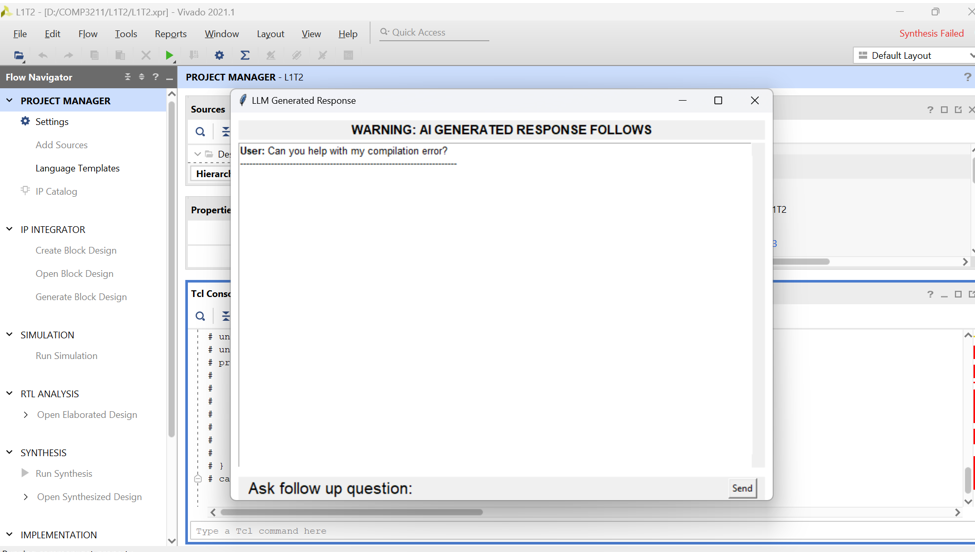
If you have more questions, type them into the “Ask Follow Up Question” box.
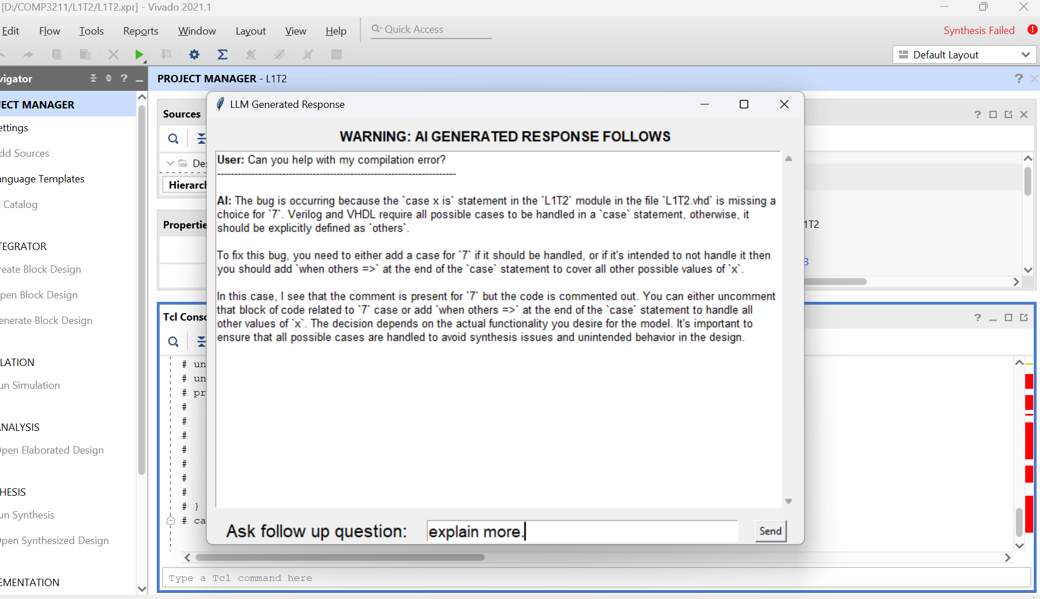
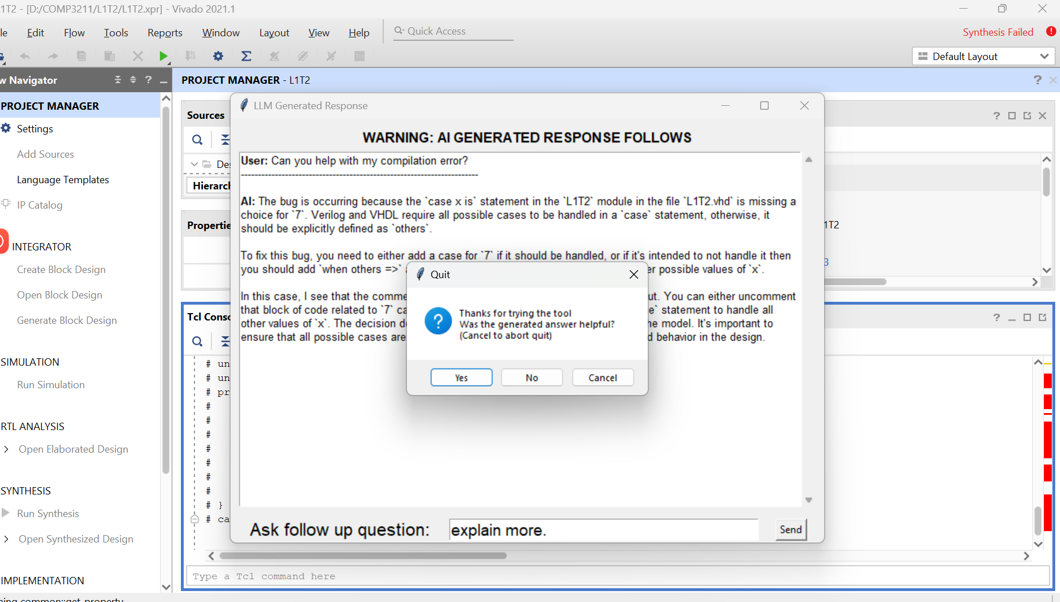
Completion: Once you have received your response and know how to proceed, press the exit button to close the tool.
We appreciate your feedback on the responses!
Please share your thoughts so we can continue to improve.
Video Tutorial
[Watch the video](https://github.com/llm4hw/llm4hw.github.io/blob/main/video/LLM_response.mp4)